 Kerabat
What you spent, what's due, who's at class
One list for the whole family: spending, receipts, bills and the kids' classes, sorted by day. Photograph a receipt and it reads itself.
Runs in your browser — nothing to download, no ads, no trackers.
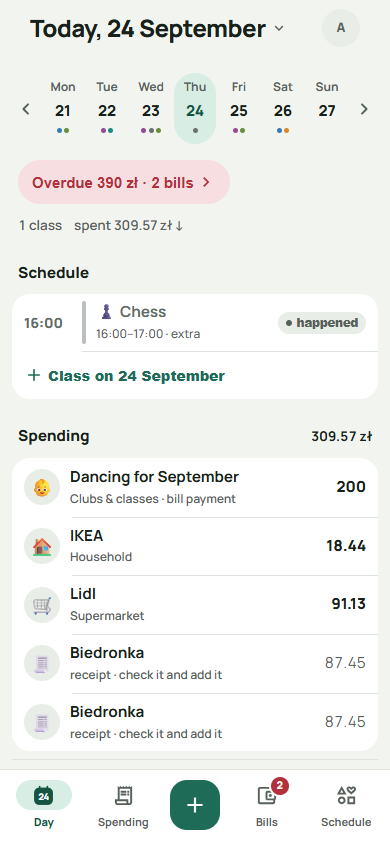
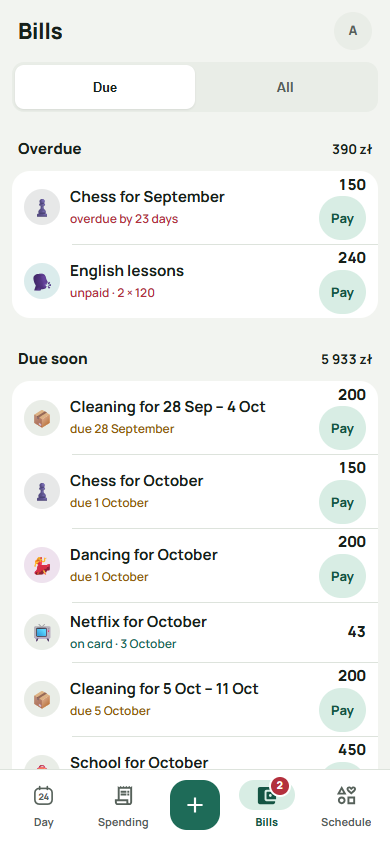
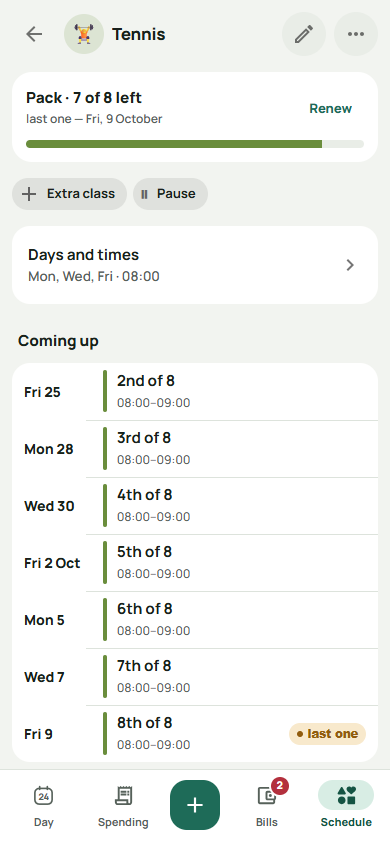
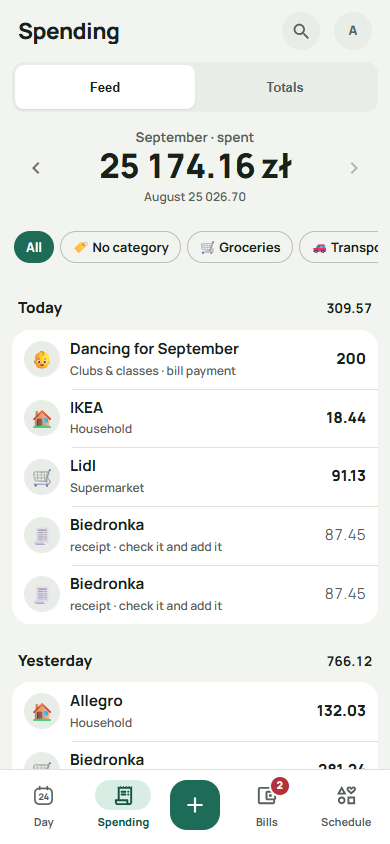
Four things, one list
Spending
Type the amount, pick a category, done. Paid in another currency? Kerabat asks what your card was charged and remembers the rate.
Receipts
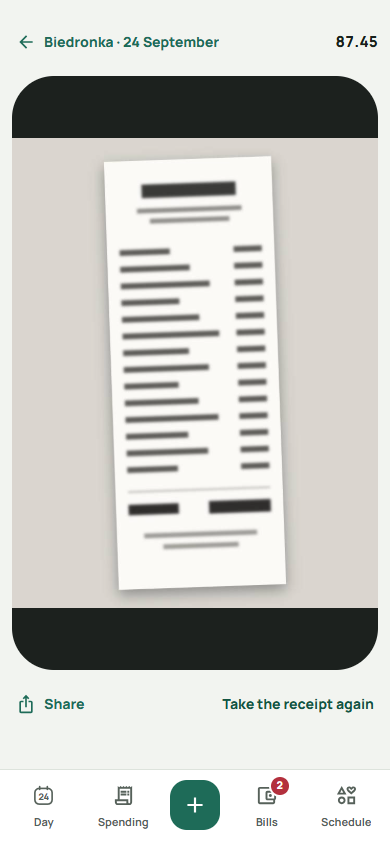
Photograph the receipt and Kerabat reads it — the total, the shop, the date and every line, sorted into your own categories. You see what it read before it's saved.
Bills
What's due, what's been paid and who paid it. Two parents, one list, and the same bill doesn't get paid twice.
Classes
Schedules, class packs and how many classes are left on one. The lessons go into Google Calendar too, in a calendar Kerabat makes for the family.

One list, and it belongs to the whole family
Whatever anyone at home writes down turns up on everyone else's phone. No separate copies, no "my half", nothing to forward to anyone.
Spending and receipts are recorded with no network at all — they're kept on the phone and send themselves when you're back online. Paying a bill is the one thing that waits for a network, and the app says so on the button.
Put it on your home screen
It installs from the browser
Open Kerabat and your browser offers to install it — the button at the top of this page appears the moment it does. After that it opens from an icon and fills the screen, like any other app, and it works with no network.